

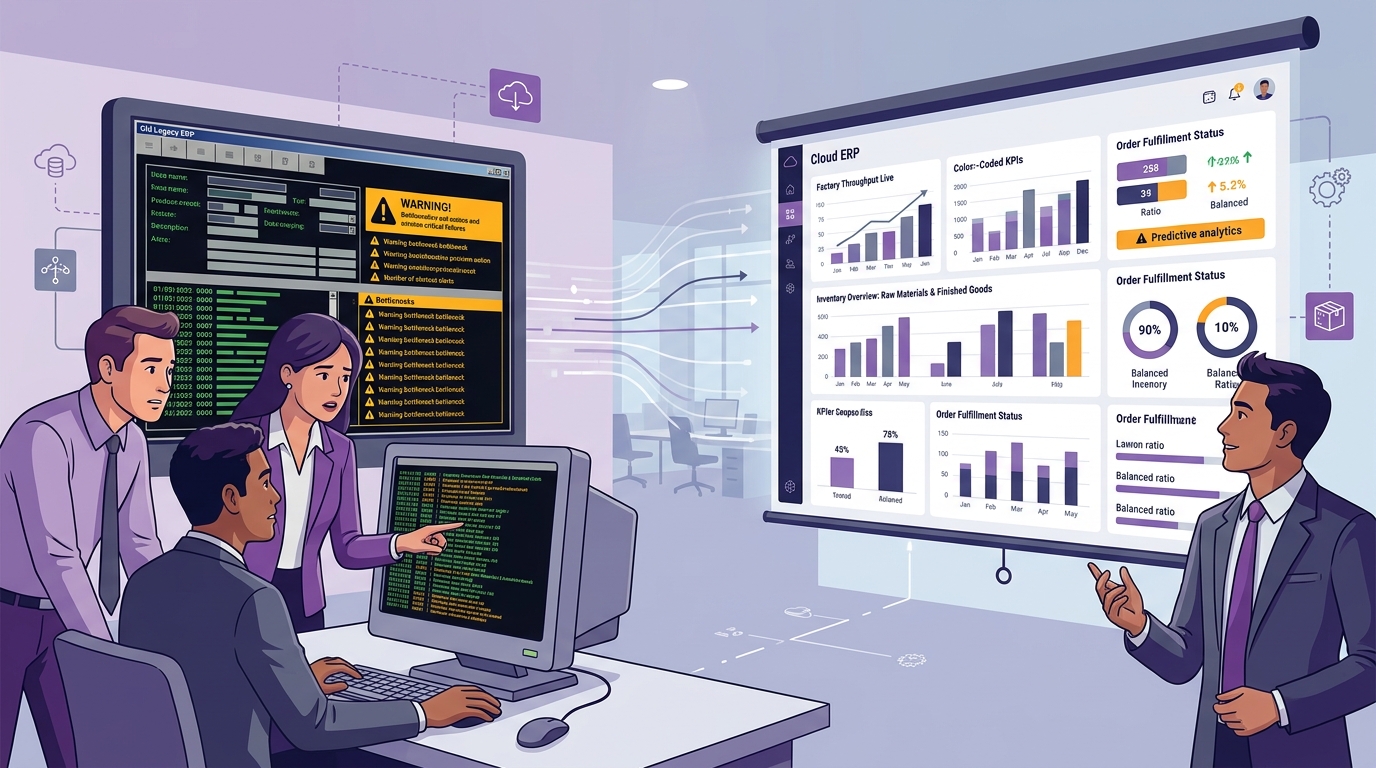
An Enterprise Resource Planning (ERP) system is designed to be the foundational operating system of your business. When you first implemented your ERP, it likely solved major pain points: invoicing became standardized, basic stock tracking was established, and bookkeeping became organized.
But thriving businesses evolve. Over time, you add more customer accounts, expand product catalogs, establish multiple warehouses, open regional branch offices, deploy complex factory machinery, and hire specialized teams.
Gradually, the software that once propelled your growth begins to act as an operational anchor. You start noticing team members maintaining private Excel spreadsheets, reports taking days to compile, and supervisors complaining that "the system doesn't support our actual workflow."
Recognizing these symptoms early allows leadership to optimize, upgrade, or modernize before operational bottlenecks constrain business expansion. Here are the 10 critical signs your business has outgrown its current ERP.
Quick Answer: When Should You Replace Your ERP?
You should consider upgrading or replacing your ERP when the software actively creates operational friction rather than eliminating it. Key triggers include widespread spreadsheet dependency for core tasks, frequent inventory discrepancies, inability to handle multi-level manufacturing BOMs, lack of modern REST APIs, excessive customization technical debt, sluggish performance, and low user adoption.
The 10 Critical Signs You've Outgrown Your ERP
1 Employees Depend on Excel for Core Operational Workflows
Using spreadsheets for ad-hoc financial forecasting is completely normal. However,
when employees maintain files like Live_Stock_Actual.xlsx,
Production_Schedule_Real.xlsx, or PO_Tracking.xlsx to run
day-to-day operations, your ERP has failed as the operational core.
• Multiple versions of "the truth" circulate across departments.
2 Inventory Numbers in the System Cannot Be Trusted
If the ERP reports 500 units available in stock, but warehouse storekeepers find only 380 physically on the shelves, sales reps will constantly overpromise and underdeliver.
Modern growth requires multi-warehouse visibility, batch/lot tracking, automated reorder triggers, and real-time Available-to-Promise (ATP) reservations that legacy systems lack.
3 Manufacturing Complexity Has Outpaced Simple Production Orders
Legacy ERPs often treat manufacturing as a basic "Raw Material in → Finished Good out" transaction.
If your plant now requires multi-level BOM explosions, work-center routing, machine capacity scheduling, scrap logging, and sub-assembly tracking, your old software will cause shop-floor chaos.
4 Management Reports Take Days of Manual Compilation
Executive leadership needs instant visibility into customer receivables, product profitability, machine downtime, and cash flow.
If compiling a month-end executive summary requires a finance analyst to spend 3 days merging CSV exports from four systems, your decision-making agility is severely impaired.
5 Lack of REST APIs & Inability to Integrate with Modern Apps
Modern enterprises rely on an ecosystem: e-commerce platforms, payment gateways, barcode scanners, CRM systems, and banking portals.
If your ERP lacks standard REST APIs and requires manual re-typing of online orders or banking receipts, human error and labor costs skyrocket.
6 Customization Has Created Fragile Technical Debt
Years of ad-hoc custom coding, undocumented patches, and one-off database scripts turn legacy systems into fragile monoliths.
When applying a simple security update breaks critical invoicing templates or only one legacy developer understands the code, the ERP has become a liability.
7 Sluggish Performance & Frequent Screen Timeouts
As transactional databases grow into gigabytes of historical data, poorly architected legacy systems slow to a crawl.
Waiting 15 seconds to load an invoice screen across 50 users burns hundreds of productive employee hours each month.
8 Low User Adoption & Active Employee Resistance
When software has a clunky, dated interface with 40 mandatory fields per form, staff will delay data entry or bypass the system entirely.
An ERP is only as valuable as the accuracy of the data entered into it. Low user adoption corrupts your entire operational intelligence.
9 Inability to Support Multi-Branch & Multi-Company Scaling
Expanding to regional warehouses, new subsidiary legal entities, or foreign currencies requires multi-tenant architectural support.
If adding a new factory requires purchasing an entirely separate software database instance with manual consolidation, the system cannot scale.
10 The Platform No Longer Aligns With Your Business Strategy
Perhaps you started as a pure distribution trading business, but have now evolved into a custom contract manufacturer with direct-to-consumer online dispatch.
Continuing to force a modern hybrid manufacturing model into a simple legacy trading software will stunt your business growth.
Bonus Warning Sign: Vendor Stagnation & Stalled Development
If your software vendor rarely releases new features, provides slow helpdesk support, or has announced the sunset/end-of-life of your version, migrating to an active, modern platform is an urgent priority.
The Hidden Financial Cost of Keeping an Outdated ERP
Leaders often postpone ERP modernization to avoid software license fees. However, the cost of doing nothing is significantly higher:
The Hidden Cost Calculation Formula:
Suppose 10 administrative & operational employees spend just 1 hour per day manually copying data, fixing spreadsheet formulas, and reconciling inventory:
10 hours × ₹300 average hourly payroll cost = ₹3,000 / day
₹3,000 / day × 26 working days = ₹78,000 / month
Annual Wasted Payroll = ₹9.36 Lakhs per year
When adding lost revenue from delayed deliveries, obsolete inventory write-offs, and billing mistakes, an outdated ERP costs growing SMEs ₹15–25 Lakhs annually in hidden losses.
Optimize, Upgrade, or Replace? A Decision Framework
Option 1: Optimize
Best when the core architecture is sound, but staff need refresher training, database indexing, or workflow re-configuration.
Option 2: Upgrade
Best when you are running an older version of an actively supported platform that offers modern web/cloud modules.
Option 3: Replace
Mandatory when legacy code is unmaintainable, APIs are missing, manufacturing BOMs are unsupported, and vendor support is dead.
ERP Replacement Readiness Scorecard
| Functional Area | Current Legacy ERP | Required Modern ERP | Modernization Priority |
|---|---|---|---|
| Inventory & Stores | Single-warehouse manual counts | Real-time multi-warehouse & batch tracking | Critical |
| Manufacturing & MRP | Simple finished goods receipts | Multi-level BOM, MRP & job card routing | Critical |
| Executive Reporting | Static CSV exports & manual Excel | Live role-based visual KPI dashboards | High |
| Integrations | Closed database / zero APIs | Standard REST APIs & webhook support | High |
| Cloud & Mobile | Restricted to office desktop LAN | Anywhere secure browser & mobile access | Essential |
10-Step ERP Modernization & Replacement Roadmap
Replacing an outgrown system without operational disruption follows a proven 10-step blueprint:
How Uttercode ERP Powers Enterprise Modernization
Uttercode ERP is engineered specifically to replace sluggish, disconnected legacy systems. By integrating your sales, multi-level manufacturing BOMs, purchasing, warehouse stock, and GST accounts into a unified cloud environment, Uttercode removes operational friction and gives your team the agility to scale.
Has Your Business Outgrown Its Legacy ERP?
Schedule a free ERP modernization assessment with Uttercode engineers to evaluate your workflows, diagnose bottlenecks, and map a seamless upgrade roadmap.
Frequently Asked Questions
How do I know if my business has outgrown its ERP?
Your business has outgrown its ERP when employees increasingly rely on Excel spreadsheets for core operations, inventory figures frequently mismatch physical stock, manufacturing processes require manual workarounds, reporting takes days, and the software cannot scale with multi-branch expansion.
Should I replace my ERP if employees use Excel?
Excel is normal for high-level financial modeling. However, if staff use Excel to manage day-to-day production planning, inventory logs, purchase requisitions, or customer pricing because the ERP cannot handle them, the ERP is no longer serving its primary operational purpose.
Is slow ERP performance a valid reason to replace the software?
First, evaluate server hardware, database indexing, and network bottlenecks. If the underlying software architecture is legacy, poorly indexed, and incapable of high-concurrency transaction scaling, a modern cloud ERP upgrade is justified.
How often should a company replace or upgrade its ERP system?
Organizations typically upgrade or modernize their ERP every 5 to 7 years to align with changing business models, new regulatory compliance mandates, modern cloud mobile access, and advanced automation requirements.
Can an ERP system be optimized instead of replaced?
Yes. If the ERP vendor actively supports the platform and the core architecture supports your requirements, optimization, workflow re-configuration, user retraining, or additional module activation may resolve the issues without full replacement.
What is the biggest hidden cost of keeping an outdated ERP?
The largest hidden cost is manual employee payroll wasted on spreadsheet workarounds and duplicate data entry (often exceeding ₹9–15 Lakhs annually for a 30-person team), combined with lost sales opportunities and inventory stockout write-offs.
How do I compare a replacement ERP with my legacy system?
Build a functional requirements scorecard rating your current vs. required capabilities across multi-level BOMs, real-time MRP, multi-warehouse tracking, REST API integrations, role-based security, mobile responsiveness, and 5-year Total Cost of Ownership (TCO).
When should manufacturing businesses upgrade their ERP?
Manufacturers must upgrade when their production complexity (multi-level BOMs, work-center routing, machine capacity scheduling, scrap/rework logging, and real-time WIP costing) exceeds the basic production order capabilities of legacy software.
Conclusion
An ERP system should be the growth engine of your enterprise, not an obstacle that your team has to constantly work around. Recognizing the warning signs early protects your business from mounting technical debt, operational paralysis, and unrecoverable inventory losses.
"The best time to modernize your ERP is before your legacy software becomes an insurmountable barrier to business growth."