

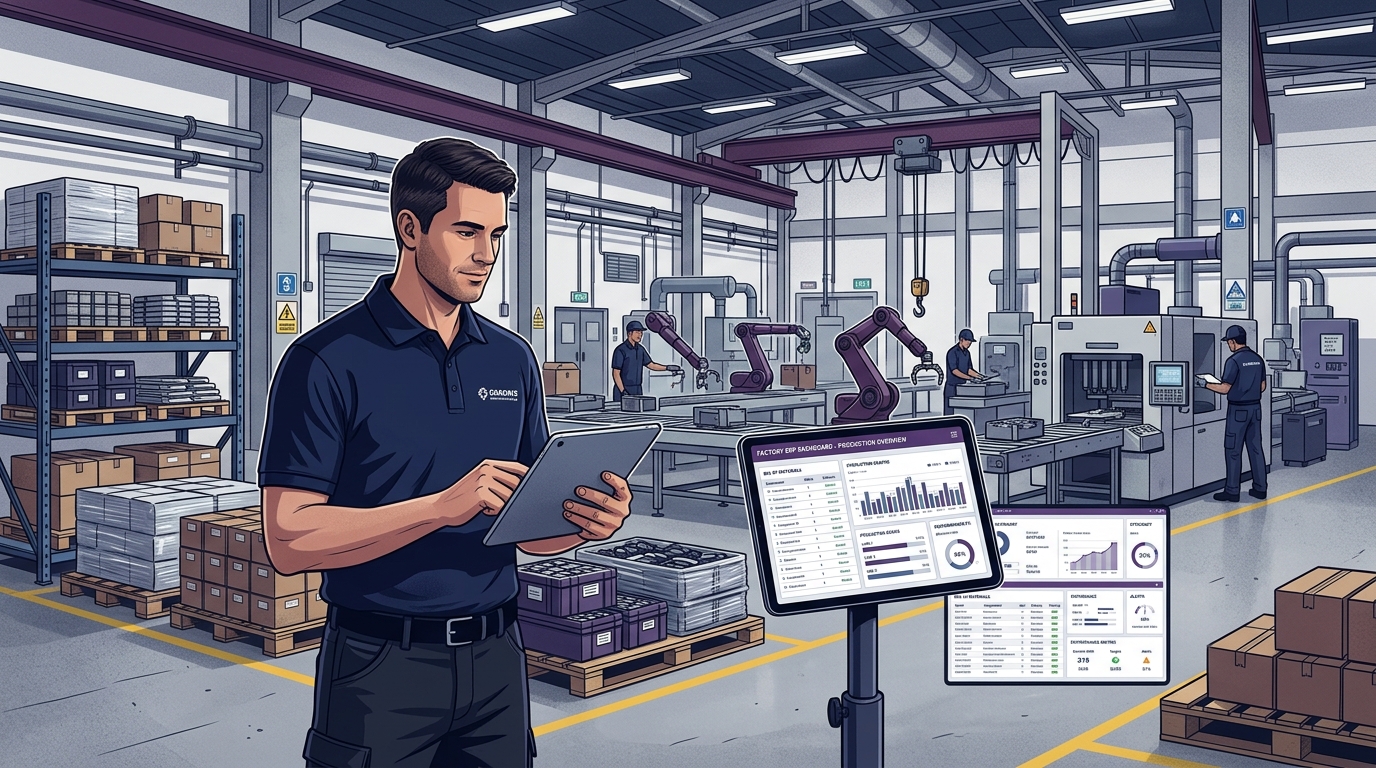
Choosing the right ERP software is a critical decision for any manufacturing business. The right manufacturing ERP can connect sales, purchasing, inventory, production, finance, and reporting—helping teams work with accurate, real-time information.
But with hundreds of ERP solutions available, how do you know which system is actually right for your business?
This guide explains the key factors to consider before choosing an ERP, from manufacturing functionality and scalability to customization, integrations, implementation, security, and long-term support.
How do you choose the right ERP software for manufacturing?
Start by identifying your manufacturing processes and operational challenges. Then evaluate production planning, BOM management, inventory, purchasing, sales, finance, reporting, scalability, integrations, security, customization, implementation, support, and total cost of ownership. Finally, ask the ERP vendor to demonstrate your actual business workflow before making a decision.
What Is Manufacturing ERP Software?
Manufacturing ERP software is an integrated business management system designed to coordinate all interconnected processes involved in running a manufacturing organization. Instead of maintaining information in disconnected spreadsheets, an integrated ERP brings your entire facility into three connected operational layers:
Core Business
- Sales Orders & Quotes
- Procurement & POs
- Multi-Warehouse Stock
- GST Invoicing & Finance
Manufacturing
- Multi-Level BOM
- Production Orders & MRP
- Capacity Planning
- Work Centers & Routing
Management
- Quality & Inspections
- Warehouse & Batch Logs
- Machine Maintenance
- Real-Time KPI Analytics
For a detailed overview of how core business functions benefit from system centralization, explore our guide on how ERP software helps businesses accelerate growth.
Why Choosing the Right ERP Matters
An ERP becomes part of your factory's daily operational backbone. Floor supervisors, storekeepers, purchase officers, accountants, and plant heads use it continuously to execute their responsibilities.
Without the right ERP
- Disconnected departmental spreadsheets
- Duplicate manual data entry errors
- Reactive, chaotic production planning
- Poor inventory and WIP stock visibility
- Delayed month-end financial reports
- Difficult, uninformed decision-making
With the right ERP
- Connected, synchronized operations
- Single centralized source of business data
- Live shop-floor production visibility
- Accurate multi-warehouse inventory control
- Real-time executive dashboards & reports
- Fast, data-backed strategic decisions
The objective is not simply to purchase software—it is to select an operating platform that matches your manufacturing environment today while establishing a strong foundation for future expansion.
1. Understand Your Business Requirements
Before evaluating software vendors, document your actual operating workflows across every manufacturing touchpoint:
- Sales Workflow: Enquiries, BOM-based quotations, customer credit limits, and delivery lead times.
- Purchasing & Vendor Desk: Automated requisition generation, RFQ price comparisons, and GRN 3-way matching.
- Inventory & Stores: Raw materials, Work-in-Progress (WIP), finished goods, batch/heat numbers, bin locations, and reorder levels.
- Production & Shop Floor: Multi-level BOM structures, routing operations, work center capacities, job cards, and scrap logs.
- Finance & Costing: GST invoicing, e-Way bills, accounts receivable aging, supplier payables, and standard vs. actual cost variances.
2. Identify the Problems Your ERP Should Solve
Avoid selecting a system merely because a competitor uses it. Base your choice on your factory's specific operational bottlenecks:
- Problem: Inaccurate stock & frequent material shortages → ERP Requirement: Real-time ledger, barcode issue/receipt, automated reorder thresholds.
- Problem: Production delays & machine bottlenecks → ERP Requirement: Capacity-aware scheduling, material readiness verification before job release.
- Problem: Reactive purchasing & rush freight → ERP Requirement: Automated Material Requirements Planning (MRP) linked directly to sales orders.
- Problem: Blind spots in actual production costs → ERP Requirement: Automated job costing tracking raw materials, labor, power, and scrap.
3. Evaluate the ERP Modules You Need
Select a platform with modular architecture that matches your operational scope today while allowing seamless activation of additional modules as your business matures:
- Sales & Dispatch Management: Customer quotations, proforma invoices, delivery notes, and tax invoices.
- Procurement & Vendor Portal: Supplier quotations, purchase orders, quality rejections, and debit notes.
- Warehouse & Batch Inventory: Multi-warehouse stock transfers, serial tracking, and inventory valuation reports.
- Manufacturing & MRP: Bill of Materials, job orders, shop-floor time tracking, and production schedules.
- Accounting & Taxation: General ledger, accounts receivable/payable, GST returns, and financial balance sheets.
4. Check Manufacturing-Specific Features
Generic accounting software cannot handle the physical realities of manufacturing. Ensure the ERP includes dedicated manufacturing capabilities:
Bill of Materials (BOM)
Ability to configure multi-level assemblies, sub-assemblies, raw materials, fasteners, packaging items, and scrap tolerances:
├── Sub-Assembly 1 (Routing: Cutting → Bending → Welding)
│ ├── Raw Material A (Alloy Sheet)
│ └── Hardware Components
├── Sub-Assembly 2 (Surface Treatment & Coating)
└── Packaging & Palletizing Materials
Work Centers & Machine Capacities
Ability to map individual machines, calculate available shift hours, and monitor planned vs. actual job completion.
5. Evaluate Production Planning and Scheduling
Production planning connects sales demand with factory capacity. When evaluating an ERP, verify that it handles the full manufacturing execution lifecycle:
- Production Orders & Job Cards: Granular batch tracking through every workstation.
- Material Requirements (MRP): Real-time shortage calculations based on sales orders.
- Machine Capacity Scheduling: Dynamic shift balancing to prevent bottleneck overloads.
- Dynamic Order Prioritization: Fast rescheduling when rush or export orders arrive.
- Scrap & Rework Tracking: Defect logging per machine and operator to identify quality flaws.
- Lead Time Management: Accurate operation durations from setup to final inspection.
A connected manufacturing production workflow moves through 11 critical milestones:
For a comprehensive walkthrough of advanced scheduling, BOM explosions, and capacity balancing, explore our detailed guide on how manufacturing ERP software streamlines production planning and scheduling.
6. Check Inventory and Material Management
Inventory accuracy is vital for uninterrupted manufacturing. Evaluate whether the ERP platform provides:
- Raw Material, WIP & Finished Goods: Distinct ledger accounts and real-time balance tracking across storage locations.
- Multi-Warehouse & Bin Locations: Inter-branch stock transfers, transit tracking, and warehouse rack/bin management.
- Material Reservations: Automatic locking of raw materials for approved production orders to avoid double-allocation.
- Batch & Serial Traceability: Complete backward and forward traceability from raw material supplier heat numbers to customer dispatches.
- Automated Reorder Levels: Safety stock triggers with automated purchase suggestions based on supplier lead times.
- Accurate Stock Valuation: Support for FIFO and weighted average valuation compliant with financial reporting standards.
7. Consider Scalability
Your business will evolve. Evaluate whether the ERP platform can scale smoothly without requiring a disruptive replacement:
- Supports multiple manufacturing plants, warehouse locations, and branch offices.
- Handles growing SKU catalogs, high daily transaction volumes, and hundreds of concurrent users.
- Provides multi-company financial consolidation with cross-company stock transfers.
8. Evaluate Customization and Integrations
Look for a balanced approach: standard out-of-the-box workflows with configurable fields, custom print formats, and robust REST APIs for connecting with factory hardware:
9. Check Reporting and Analytics
Operational data is valuable only when leadership can extract actionable intelligence. Ensure the ERP provides standard dashboards for:
Production & Inventory Reports
- Planned vs. actual production output
- Machine downtime & OEE efficiency
- Material consumption variance per batch
- Scrap, rejection, and rework analysis
- Slow-moving & dead stock alerts
- FIFO inventory valuation reports
Purchase & Management Reports
- Supplier on-time delivery & price trends
- Pending purchase orders & shortages
- Customer sales backlog & order status
- Accounts receivable & payable aging
- Product and SKU gross profit margins
- Executive KPI balance sheets
10. Evaluate Security, Implementation and Support
Security should be evaluated as part of the ERP selection process. Check whether the system provides role-based access control (RBAC), user permissions, audit trails, automated encrypted backups, secure authentication, and controlled access to sensitive business data.
Successful ERP adoption depends on structured execution following a disciplined 7-step roadmap:
For comprehensive strategies on protecting enterprise data and maintaining system reliability, read our guides on ERP software security best practices and ERP maintenance best practices.
11. Compare Total Cost of Ownership
Do not evaluate an ERP solely on upfront license pricing. Evaluate the complete Total Cost of Ownership (TCO) across:
- Software licenses (subscription or perpetual)
- Implementation and business process configuration
- Master data cleanup and migration
- Customizations and third-party integrations
- Cloud hosting or on-premise server maintenance
- Ongoing training, software updates, and technical support SLAs
12. Test the ERP With Your Real Workflow
Avoid making decisions based solely on generic demo slides. Provide the vendor with a real sample scenario from your factory:
Request a live demonstration executing this exact workflow to see how naturally the software handles your factory's processes.
13. Create an ERP Selection Scoring Matrix
Use this evaluation matrix to grade ERP vendors objectively during demonstrations:
| Evaluation Area | What to Check | Priority | Score |
|---|---|---|---|
| Manufacturing & MRP | Multi-level BOM, production planning, job cards, routing | High | ___ / 10 |
| Inventory & Stores | Multi-warehouse, batch/serial tracking, stock movement | High | ___ / 10 |
| Purchasing & Sales | PO 3-way matching, quotations, sales orders, GST invoicing | High | ___ / 10 |
| Reporting & Analytics | Real-time dashboards, material variance, scrap, AR/AP | High | ___ / 10 |
| Integrations & APIs | Barcode/QR, weighbridge, IoT sensors, REST APIs | High | ___ / 10 |
| Scalability | Multi-plant, multi-branch, high transaction volumes | High | ___ / 10 |
| Customization | Configurable workflows, fields, custom print layouts | Medium | ___ / 10 |
| Security & RBAC | Granular roles, user permissions, audit trails, backups | High | ___ / 10 |
| Implementation & Support | Structured methodology, data migration, training, SLA | High | ___ / 10 |
| Total Cost of Ownership | Transparent licensing, hosting, training, and maintenance | High | ___ / 10 |
ERP Red Flags to Watch Out For
Be careful and probe deeper if an ERP vendor exhibits any of these warning signs:
- Cannot demonstrate your actual manufacturing workflow: Relies only on generic canned slide decks.
- Unclear implementation timelines & milestones: Cannot outline data migration or go-live stages.
- Excessive custom coding requirements: Standard software lacks core BOM and inventory logic.
- Vague data migration process: Unclear on how historical accounting and item masters will be cleaned and imported.
- Limited reporting capabilities: Lacks standard manufacturing variance, scrap, and job costing reports.
- Unclear pricing & hidden fees: Unspecified charges for extra users, API access, or annual maintenance.
- Poor user permissions & access control: Cannot enforce granular role-based security across departments.
- Closed system without APIs: Inflexible architecture unable to connect barcode scanners or factory hardware.
How Uttercode ERP Supports Modern Manufacturing
Manufacturing operations are interconnected. A change in customer demand can affect production planning, material requirements, purchasing, inventory, and delivery. Uttercode ERP helps bring these processes together in a connected ERP environment.
Connected Operations
Sales, purchasing, inventory, and production work seamlessly from shared, synchronized business information.
Production Visibility
Track real-time material requirements, shop-floor job orders, work-center progress, and batch completion.
Real-Time Insights
Use centralized executive dashboards and reports to understand operational efficiency and profitability.
Ready to See Manufacturing ERP in Action?
See how Uttercode ERP can connect sales, purchasing, inventory, production, and business operations in one platform with a live demo tailored to your factory.
Frequently Asked Questions
What is the best ERP software for a manufacturing business?
The best ERP depends on your business size, manufacturing processes, required modules, integrations, scalability, budget, and implementation requirements.
What features should manufacturing ERP software have?
A manufacturing ERP should typically support production planning, multi-level BOM, production orders, inventory, purchasing, material requirements planning (MRP), work centers, quality control, reporting, and financial management.
How much does manufacturing ERP software cost?
ERP cost depends on users, modules, implementation, customization, integrations, hosting, and support. Businesses should evaluate total cost of ownership rather than only the software price.
How long does ERP implementation take?
Implementation depends on the size and complexity of the business, number of modules, data migration volume, integrations, customization, testing, and training requirements.
Can ERP help with production planning?
Yes. Manufacturing ERP connects sales demand, BOMs, inventory, material requirements, work centers, production orders, and delivery schedules to support structured production planning.
Can ERP manage multiple warehouses?
Many manufacturing ERP systems support multiple warehouses, stock transfers, inventory movements, bin locations, and warehouse-level stock visibility. Verify these capabilities during your ERP evaluation.
Should small manufacturers use ERP software?
Yes. ERP can help small and medium-sized manufacturers organize their processes, eliminate manual spreadsheets, and provide a strong foundation for scaling operations.
Conclusion
Choosing the right ERP software is a long-term strategic decision. The right system connects your shop floor with leadership, ensures inventory accuracy, prevents stockouts, and establishes structured business workflows.
Take the time to understand your operational requirements, identify your biggest bottlenecks, evaluate manufacturing-specific capabilities, and verify real workflows through hands-on vendor testing.
Choose an ERP based on what your business needs today—and what it will need tomorrow.